Ahrefs Domain Rating set in type 17 Oct 2026, reset 17 Oct 2026.
MergePNG metrics
Set in type for mergepng.org: Ahrefs Domain Rating and Majestic link data, with the change since the last edition.
Metric
Value
Domain Rating
12▲ +2 (up) since last check
Trust Flow
22● no change since last check
Citation Flow
21● no change since last check
Referring domains
29● no change since last check
External backlinks
178● no change since last check
Ahrefs Domain Rating set in type 17 Oct 2026, reset 17 Oct 2026. Lead topic: Regional/Europe (22). Majestic set 9 Oct 2026, reset 9 Oct 2026. Link data typeset by Majestic. Trust Flow, Citation Flow and Topical Trust Flow are trademarks of Majestic-12 Ltd.
MergePNG domain colophon
From the registry's public RDAP record, checked 16 Oct 2026, 14:19 UTC.
Free browser-based tool to merge PNG, JPG and WebP images into one file or PDF without uploading anything.
The story so far
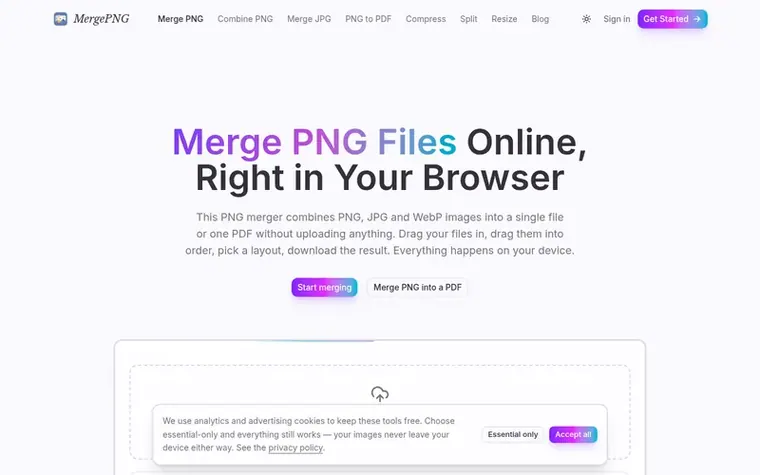
Homepage of MergePNG
MergePNG combines PNG, JPG and WebP images into a single file or PDF directly in your browser using the Canvas API. All processing happens locally on your device with no upload and no sign-up required. The tool offers multiple layout presets including stack, side by side, grids, and compound layouts, with options for borders, rounded corners, rotation and reordering. You can export as PNG, JPG, WebP or PDF, and it works offline after the page loads. Transparency is preserved when exporting to PNG or WebP, and the tool handles mobile browsers by checking output against device memory limits rather than failing silently.
Typeset features
Multiple layout presets: stack, side by side, 2-3 column grids, and compound layouts
Add your files to the tool, drag the thumbnails into order, choose a layout preset such as stack, side by side, grid, or compound layouts like 1+2, then click Merge and pick PNG as the output. The merged file downloads immediately. You can also pick the layout before adding files.
Are my images uploaded to a server?
No. Decoding, compositing and encoding all happen in your browser through the Canvas API. You can verify this yourself by loading the page, disconnecting from the internet, and the tool still works end to end.
Is MergePNG free, and are there watermarks or limits?
It is free with no watermarks, no sign-up, and no file count limit. The only ceiling is your device's memory; browsers cap how many pixels one canvas can hold, which the tool checks before rendering.
Can I merge PNG and JPG files together?
Yes, PNG, JPG and WebP can be mixed in the same merge. You pick the output format at download time. PNG alpha is carried through even when mixing formats.
Does merging PNG files keep the transparent background?
Yes, as long as you leave the background setting on Transparent and export as PNG or WebP. Exporting as JPG flattens transparency onto white because the JPG format has no alpha channel.
Leave a review for MergePNG
No review of MergePNG set in type yet. Set the first.
 HeicToPng
 TikTokio
 markitdown.ai
 3D Converter